- Shocki News
- YouTube
- Search optimization
- Creator marketing
The key to YouTube search visibility is the basics, not tags or AI tricks
Now that YouTube videos appear in Google AI Overviews, some people advise optimizing for AI search too. YouTube Help and Google's official documentation tell a different story: basics like titles, thumbnails, descriptions, captions, and timestamps come before any new trick.
Dongle Media Lab6 min read
Adapted from ShortShock's “Shocki News” short-form video. Watch it on ShortShock's Instagram (@shortshock.offical).
Key takeaways
Now that YouTube videos appear in Google AI Overviews, some people advise taking AI search into account as well. But YouTube Help says titles, thumbnails, and descriptions matter more than tags. Google's official documentation says AI search has no additional requirements and needs no separate optimization. Creators and brand managers don't need a new trick. They should first get existing features right, like accurate captions and description timestamps.
Some say you need good tags to show up in YouTube search. Others say Google's AI search has its own secret formula. We compared a MADTimes article with YouTube Help and Google's official documentation, and both claims turned out to be wrong. The answer has less to do with new tricks and more to do with using the features you already have.
Why did the article say keywords and thumbnails aren't enough?
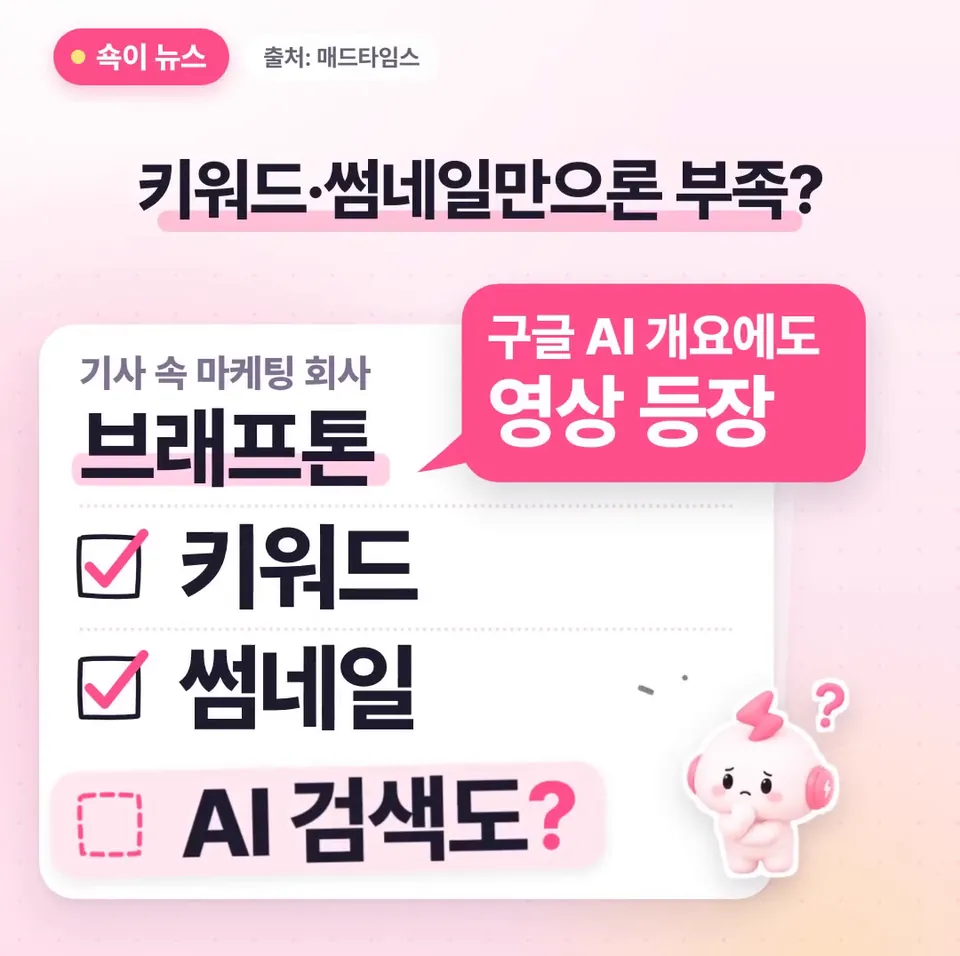
Because YouTube videos now appear in Google AI Overviews too. According to the MADTimes article, that's why the marketing company Brafton thinks keywords and thumbnails alone are no longer enough. The article also noted that YouTube works as both a search engine and a recommendation engine. It also pointed out that YouTube content appears in Google's Featured Snippets.
Brafton marketing manager Michelle Anderson believes YouTube search engine optimization (SEO) should look beyond keywords to search intent, AI search visibility, and viewer response. For creators, it sounds like one more thing on the to-do list.
What does YouTube search look at first?

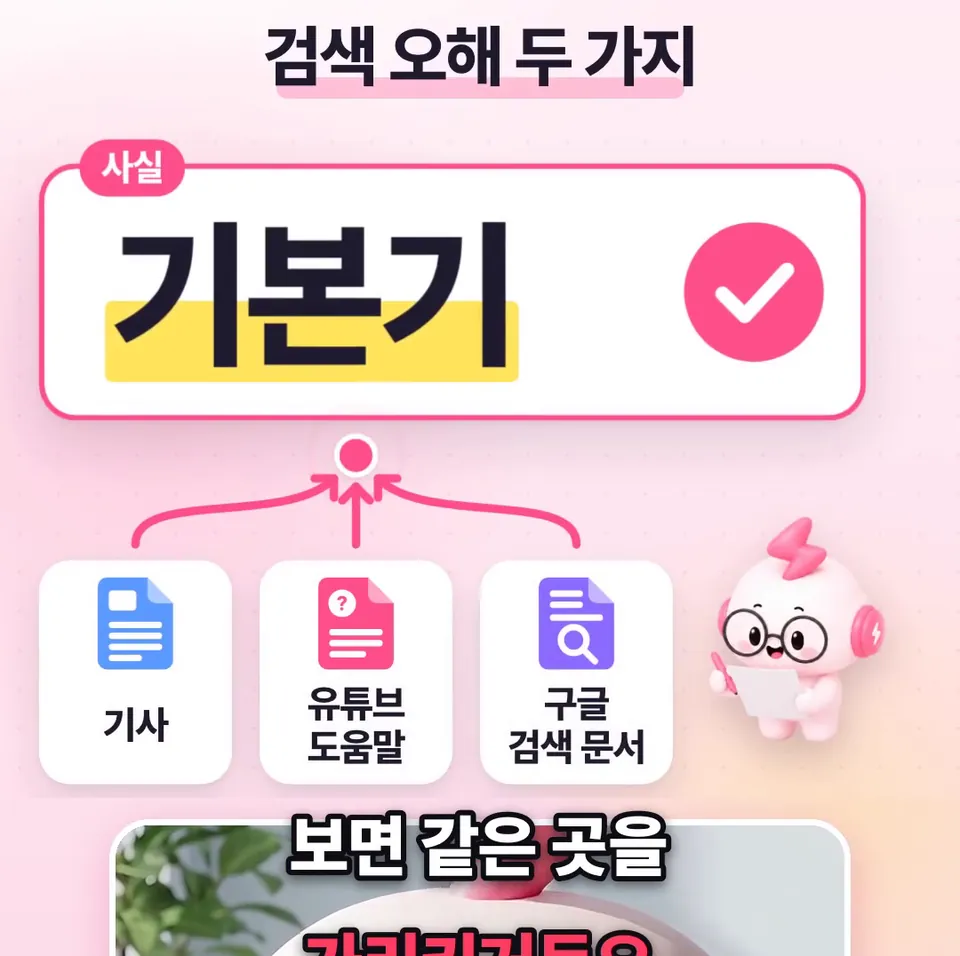
YouTube search looks at three things first: relevance, engagement, and quality. That comes straight from YouTube Help, which says titles, thumbnails, and descriptions matter more and tags play a limited role.
Tags help with words people often misspell. So the official guidance points to refining your title, thumbnail, and description first, not spending time picking tags.
Do you need to optimize separately for Google AI Overviews and AI Mode?

No. Google Search Central documentation says the fundamentals of regular search still matter in AI Overviews and AI Mode. It states that there are no additional requirements and that no special optimization is needed.
Both features are already available in Korea. Compare Brafton's advice with this documentation, and you'll see there's no secret formula just for AI search.
Are the captions, chapters, and timestamps the article recommended anything new?
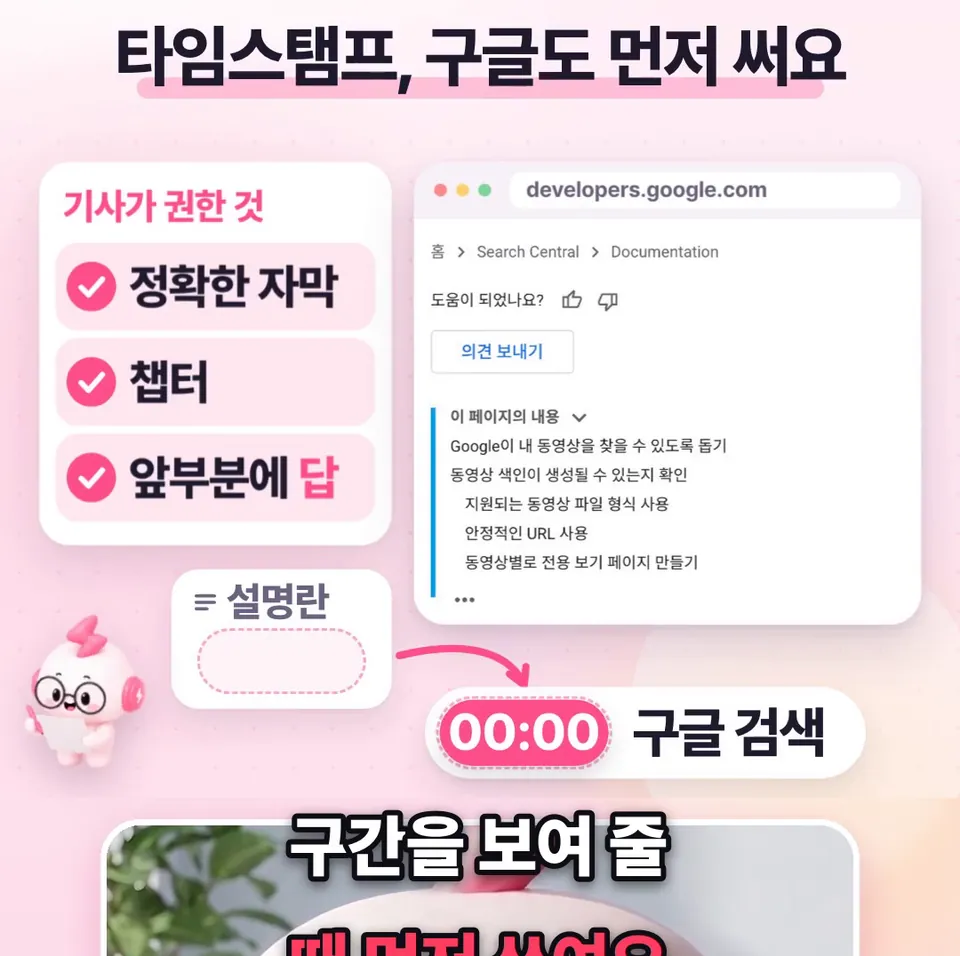
No. The article recommended accurate captions, chapters (a table of contents that splits a video into sections), and answering the question right at the start of the video. All of these are familiar methods.
Of these, description timestamps (markers for points in the video) are what Google Search uses first when it shows video segments. Chapters are built from these timestamps too. To create chapters, list at least 3 timestamps in the description, starting at 00:00, with each section at least 10 seconds long.
Can you leave Korean auto-captions on Shorts as they are?

Check them instead of leaving them as they are. Shorts supports Korean auto-captions, but pronunciation or background noise can make them differ from what was actually said.
Instead of worrying about tags, start by fixing wrong words in the Subtitles menu in YouTube Studio. The YouTube Help Center article on automatic captions walks through the steps.
Takeaways
- Before hunting for AI search tricks, check your title, thumbnail, and description.
- Tags play a limited role, so use them for words people often misspell.
- Create chapters by listing at least 3 description timestamps, starting at 00:00, with each section at least 10 seconds long.
- In the Studio Subtitles menu, check Korean auto-captions on Shorts for wrong words and fix them.
Frequently asked questions
- Will good YouTube tags help my videos show up better in search?
- YouTube Help says search looks at relevance, engagement, and quality first, and that tags play a limited role. Titles, thumbnails, and descriptions matter more. Tags help with words people often misspell.
- Do I need to do anything extra to get my videos into Google AI Overviews?
- According to Google Search Central documentation, AI Overviews and AI Mode have no additional requirements and need no special optimization. The fundamentals of regular search still matter.
- How do I create YouTube chapters?
- List at least 3 timestamps in the description, starting at 00:00, with each section at least 10 seconds long, and chapters will appear. Google Search also uses description timestamps first when it shows video segments.