- Shocki News
- YouTube Shorts
- AI video editing
- Creator marketing
Conversational editing for YouTube Shorts: soon you can just tell AI what to cut
YouTube previewed Conversational Editing for Shorts and the YouTube Create app. Describe what you want and AI builds a first cut, then helps trim pauses, add on-screen text, sync to the beat, and find loop points. It's slated for early 2027.
Dongle Media Lab6 min read
Adapted from ShortShock's “Shocki News” short-form video. Watch it on ShortShock's Instagram (@shortshock.offical).
Key takeaways
YouTube previewed Conversational Editing, a feature where you describe an edit in plain words and AI builds a first cut and helps polish it. It's set to arrive in Shorts and the YouTube Create app in early 2027. Creators and brand managers who edit their own Shorts can hand off time-consuming touch-ups with a single sentence and still fix the result directly on the timeline.
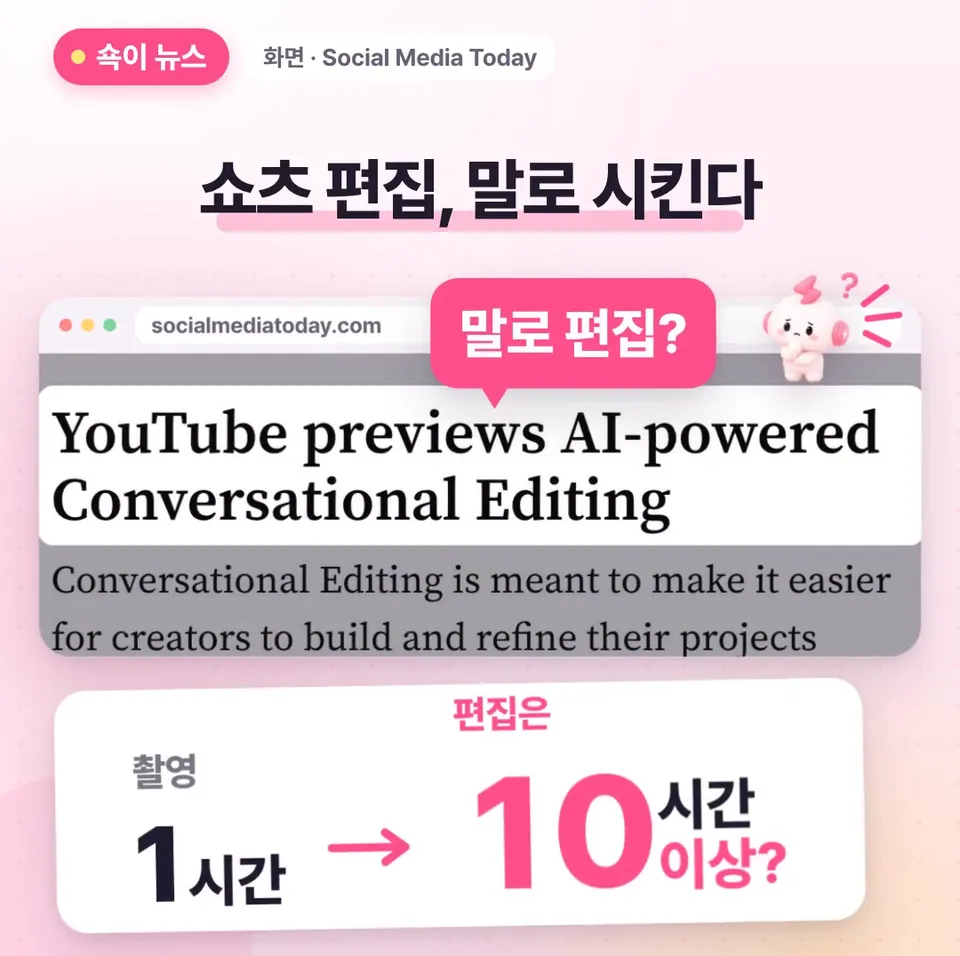
Soon you'll be able to edit YouTube Shorts by telling AI (artificial intelligence) what you want. One hour of footage can reportedly take more than ten hours to edit. Conversational Editing, which YouTube recently previewed, helps with that process through a chat. Here's what you can hand off and when you'll be able to use it.
What is YouTube's Conversational Editing, and when is it coming?
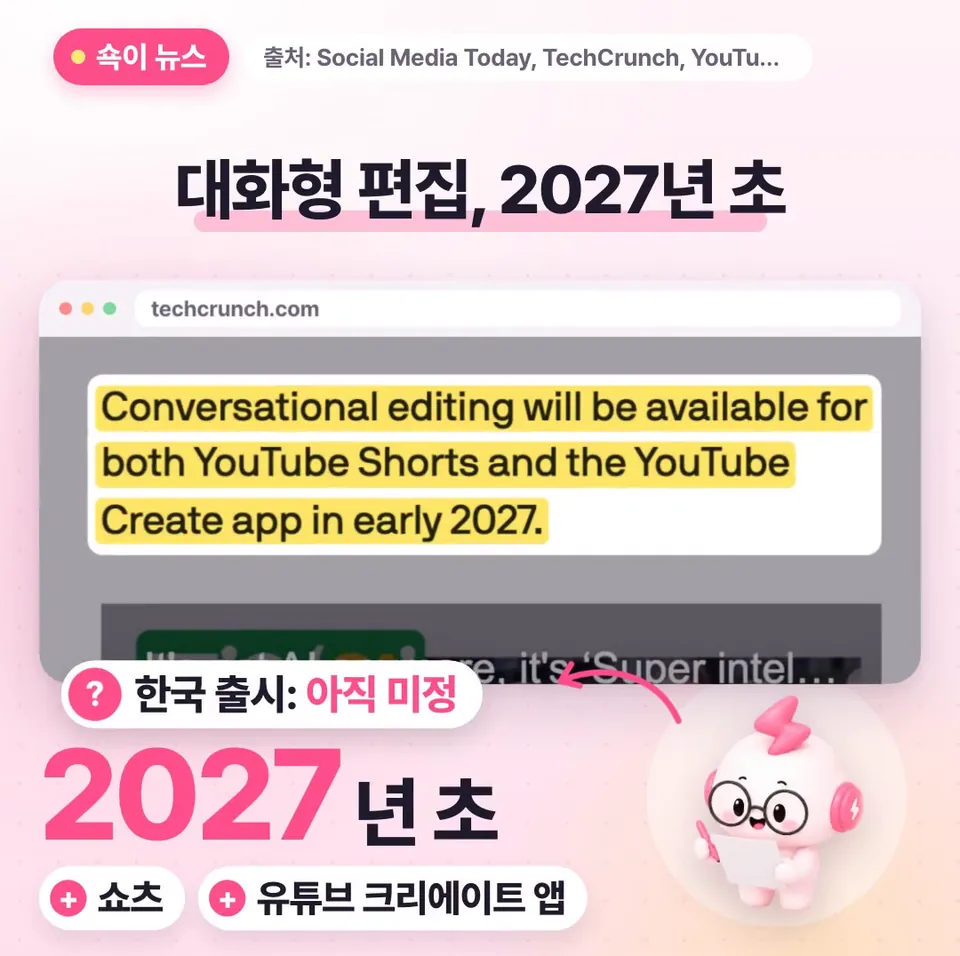
Conversational Editing is an AI editing feature YouTube previewed at its annual event. It isn't available yet. It's scheduled to arrive in Shorts and the YouTube Create app in early 2027.
No launch date for Korea has been announced. The news was reported by Social Media Today, TechCrunch, and the official YouTube Blog. Social Media Today summed it up this way: creators will find it easier to build and refine projects by giving instructions in everyday language.
How does it work? Describe it in words and get a first cut
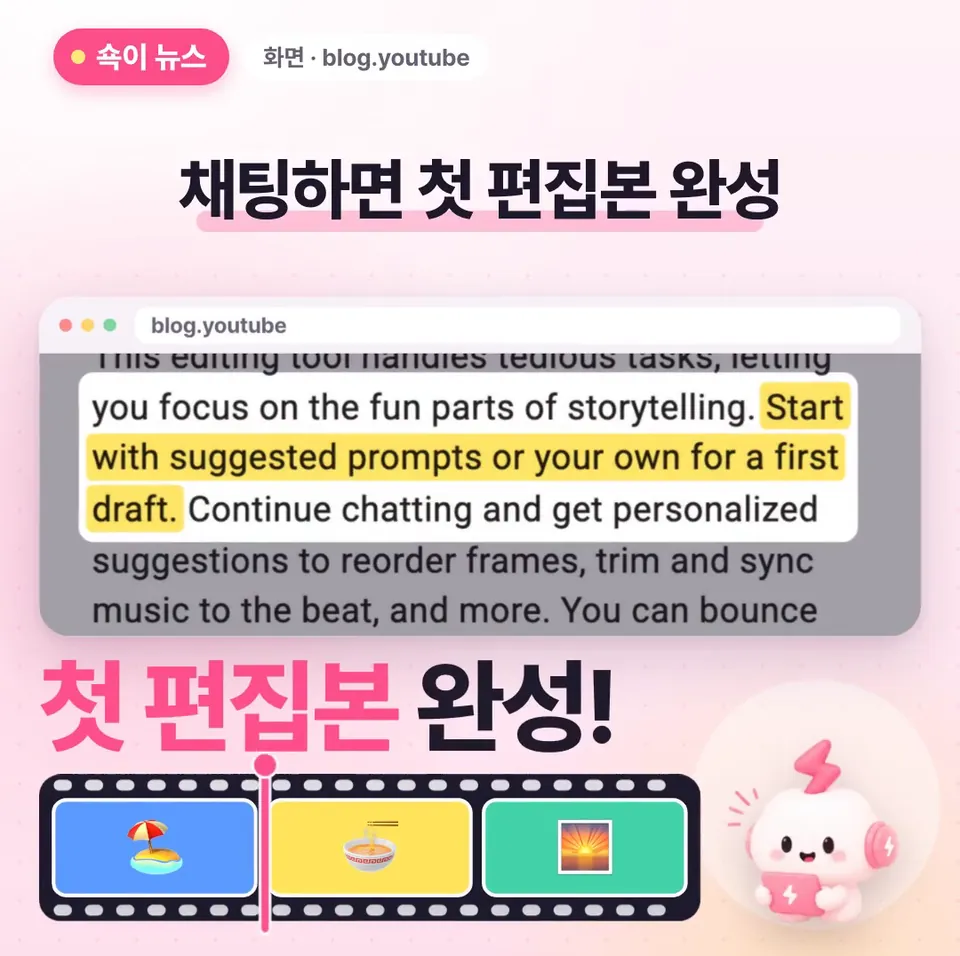
Using it feels a lot like chatting. You either pick a suggested prompt or type a short description of the edit you want, the way you would in a chat. You describe the result you're after in everyday language.
AI then pulls together the clips (short video segments) you've shot on your phone and builds a first cut. You don't have to cut and splice everything from scratch. Your work starts with refining that first cut.
What kinds of edits can you hand off through conversation?
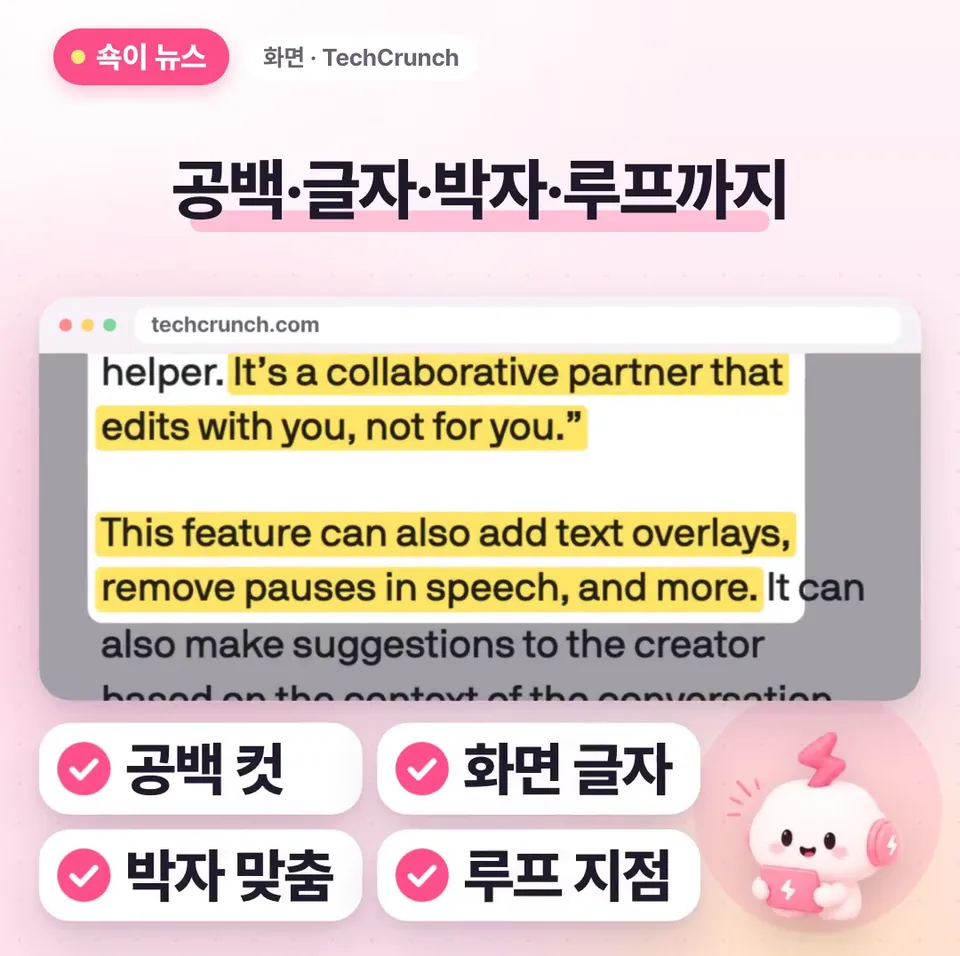
You refine the first cut through conversation. Watch the draft and keep telling it what you'd like to change. According to YouTube, you can hand off trimming pauses between lines, adding on-screen text, and syncing to the beat of a song.
You can also ask it to find the point where your Short loops smoothly. AI finds the loop, the stretch where the video flows back to the beginning without feeling awkward when it ends.
Does this hand your whole edit over to AI?
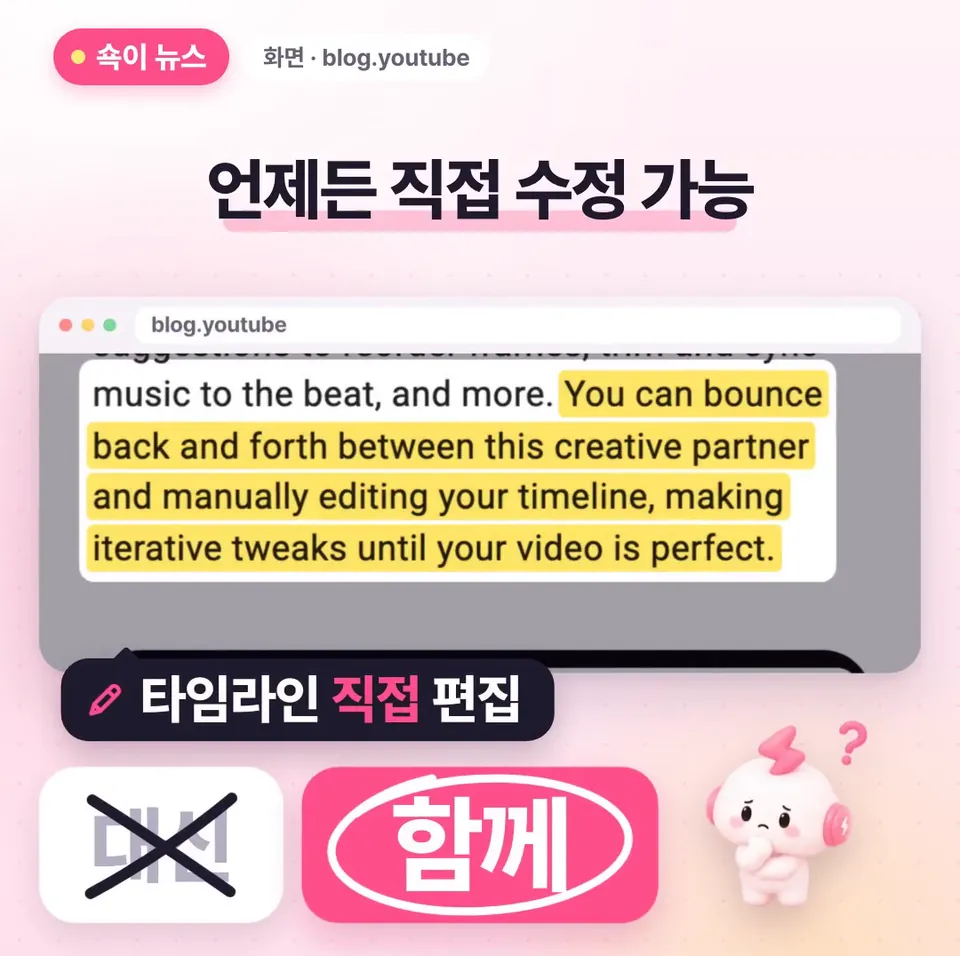
No. Even with Conversational Editing, you can go back to the timeline (the view where clips are laid out in time order for editing) and make changes yourself at any time.
In the demo, the feature was presented not as a tool that edits for you, but as a partner you edit with. Whether to use the AI's result as is or change parts of it yourself is up to the creator.
What can you prepare before it launches?
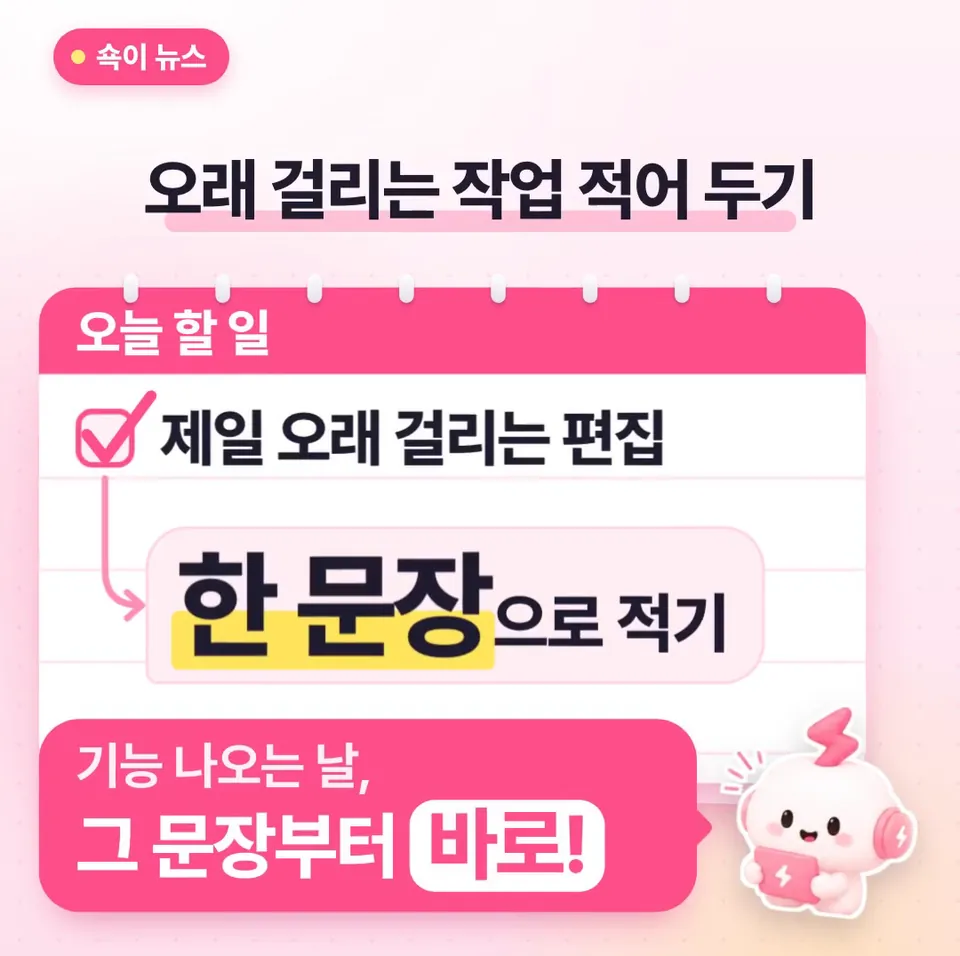
Write down the single editing task that takes you the longest as one sentence, phrased as a request to AI. Then on the day the feature arrives, you can try that sentence first. In effect, you're deciding in advance which part of your editing time to cut first.
Start with whichever eats up the most time in your workflow: trimming pauses, adding on-screen text, syncing to the beat, or finding loop points. Brand managers who edit Shorts for a brand account can prepare the same way. Since no Korea launch date has been announced, it's safest to confirm availability through official announcements.
Key takeaways
- Conversational Editing is set to arrive in Shorts and the YouTube Create app in early 2027; no Korea launch date has been announced yet.
- Pick a suggested prompt or type your request like a chat, and AI combines the clips on your phone into a first cut.
- You can hand off trimming pauses, adding on-screen text, syncing to the beat, and finding loop points through conversation, and you can edit directly on the timeline at any time.
- Write your most time-consuming editing task as a one-sentence request so you can try it the day the feature arrives.
Frequently asked questions
- When can I start using YouTube's Conversational Editing?
- It's scheduled to arrive in Shorts and the YouTube Create app in early 2027. A launch date for Korea hasn't been announced yet.
- What can I do with Conversational Editing?
- Pick a suggested prompt or type your request like a chat, and AI combines multiple clips into a first cut. After that, you can hand off trimming pauses between lines, adding on-screen text, syncing to the beat of a song, and finding the point where your Short loops smoothly.
- Can I edit the AI's cut myself?
- Yes. You can go back to the timeline and make changes yourself at any time. In the demo, the feature was presented not as a tool that edits for you, but as a partner you edit with.
Sources
- Social Media Today — YouTube previews AI-powered Conversational Editing
- TechCrunch
- YouTube Blog
- YouTube Official Blog