- Shocki News
- Threads
- Creator marketing
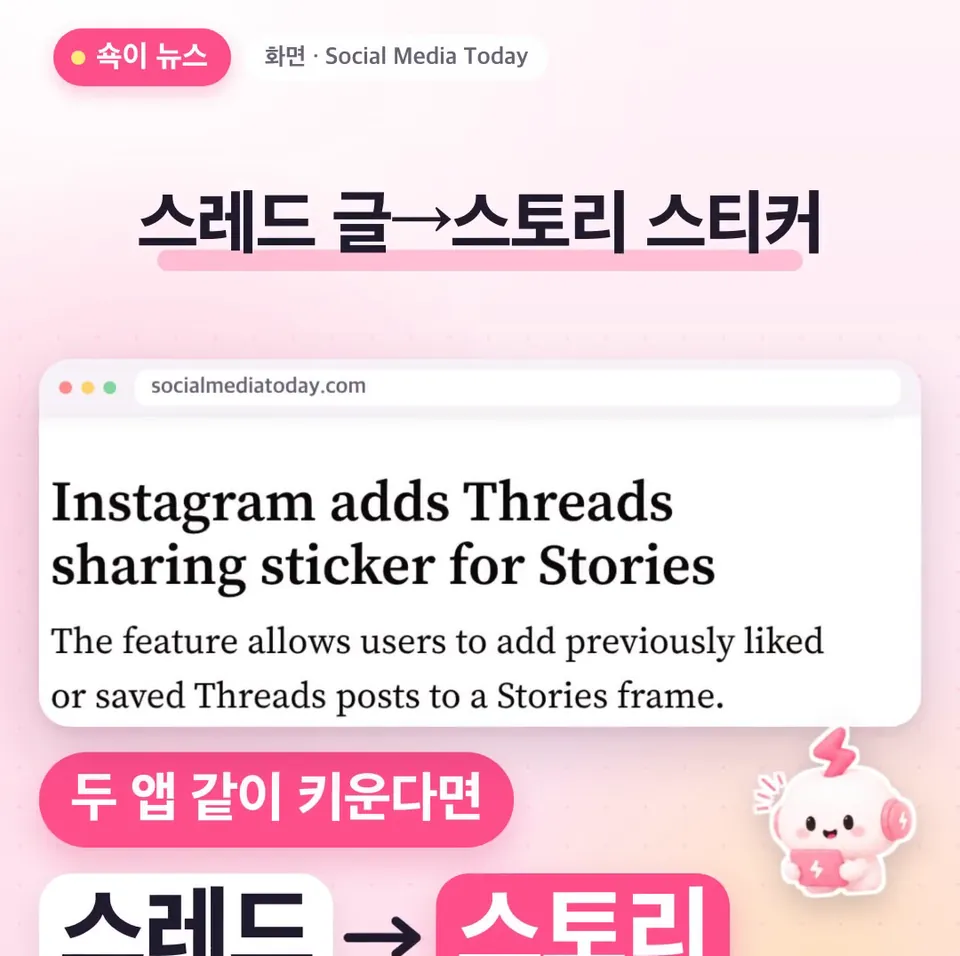
Instagram's Threads sharing sticker: add Threads posts straight to your Stories
Instagram added a Threads sharing sticker to Stories. Here's how to share Threads posts you've liked or saved, or ones you wrote yourself, to your Story, and what to prepare before it reaches accounts in Korea.
Dongle Media Lab6 min read
Adapted from ShortShock's “Shocki News” short-form video. Watch it on ShortShock's Instagram (@shortshock.offical).
Key takeaways
You can now add Threads posts to your Instagram Stories as a sticker. That lets you show your best-performing Threads posts to your Instagram followers one more time. It's worth using if your brand or channel runs both apps.
You can now add posts from Threads straight to your Instagram Stories as a sticker. Just pick one from the posts you've liked or saved, or ones you wrote yourself, and share it. It's a useful change for brand managers and creators growing both apps at once.
What is the Threads sharing sticker?
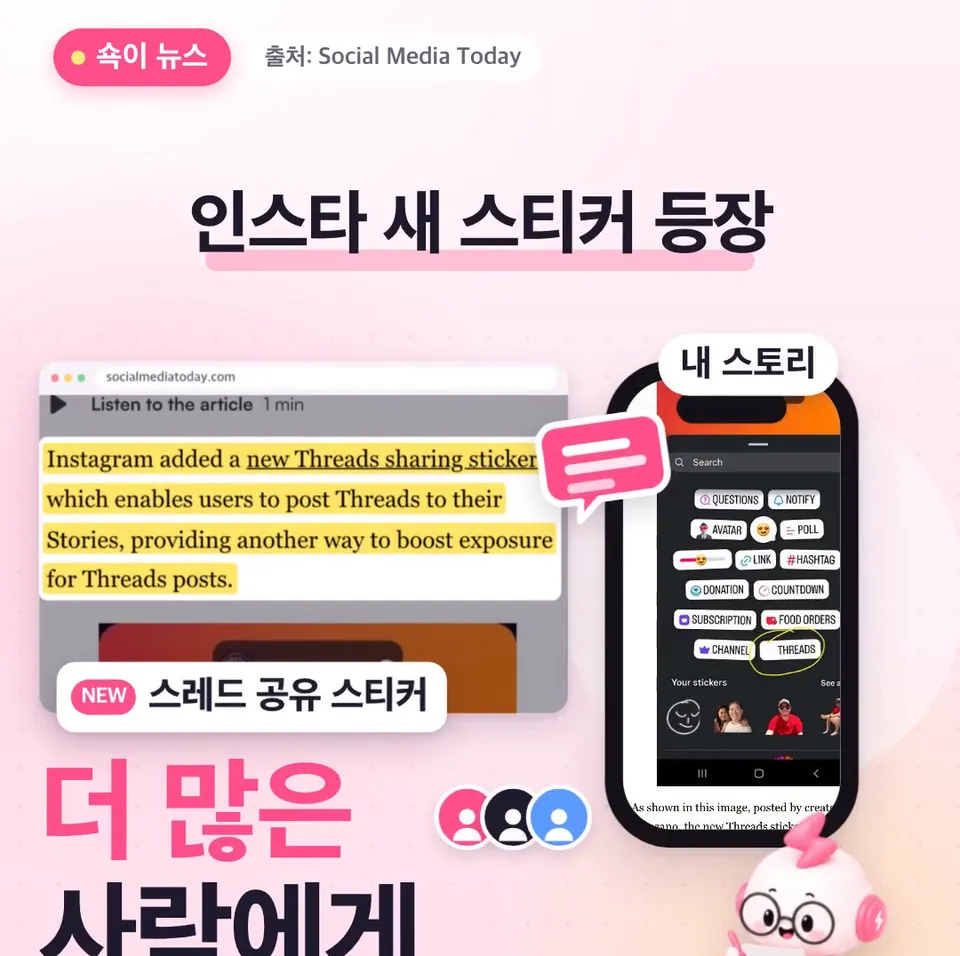
The Threads sharing sticker is a new sticker that lets you post Threads content to your Instagram Story. According to Social Media Today, Instagram has added this sticker to Stories.
The goal is to get Threads posts in front of more people. When you share a post that would otherwise only be read on Threads to your Story, it also reaches the people who watch your Stories.
How do you use the Threads sharing sticker?
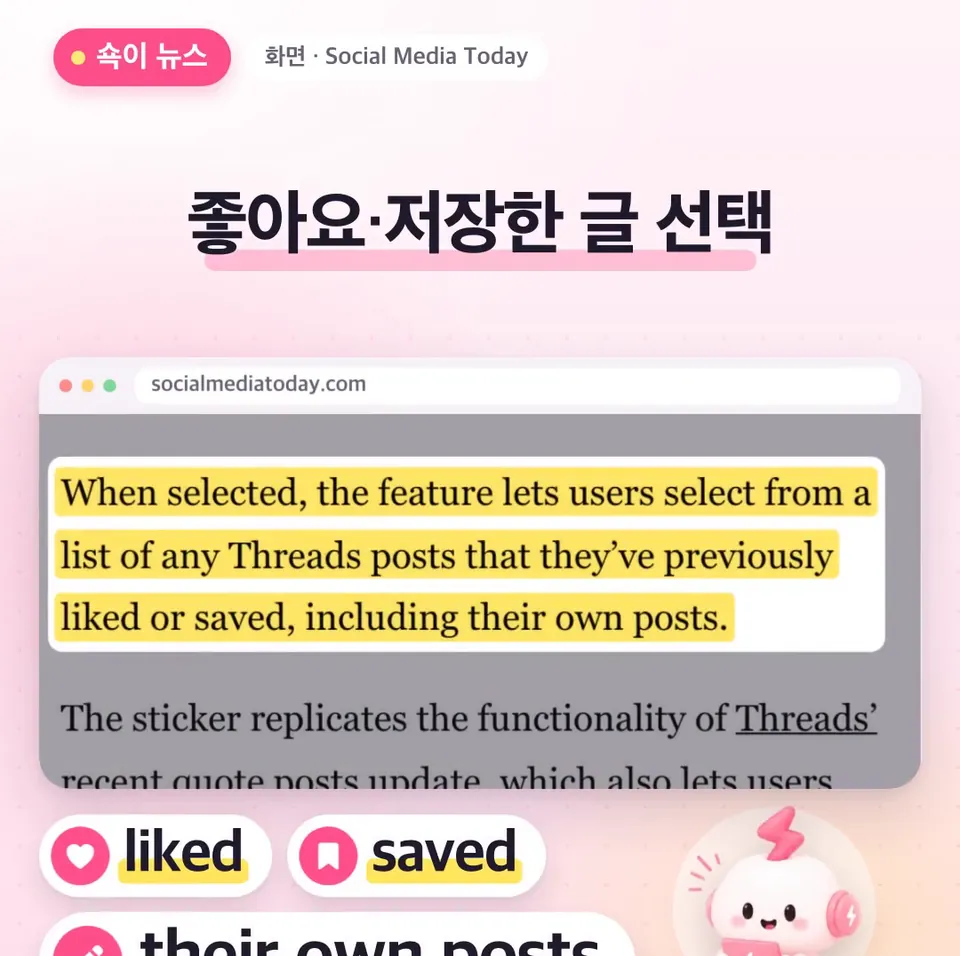
Tap the Threads sharing sticker in Stories and a list of Threads posts appears. The list shows Threads posts you've liked or saved.
Every post you wrote yourself is in the list too. Whether you're highlighting someone else's post or resharing your own through Stories, you use the same sticker.
Why does it matter for brands and creators?
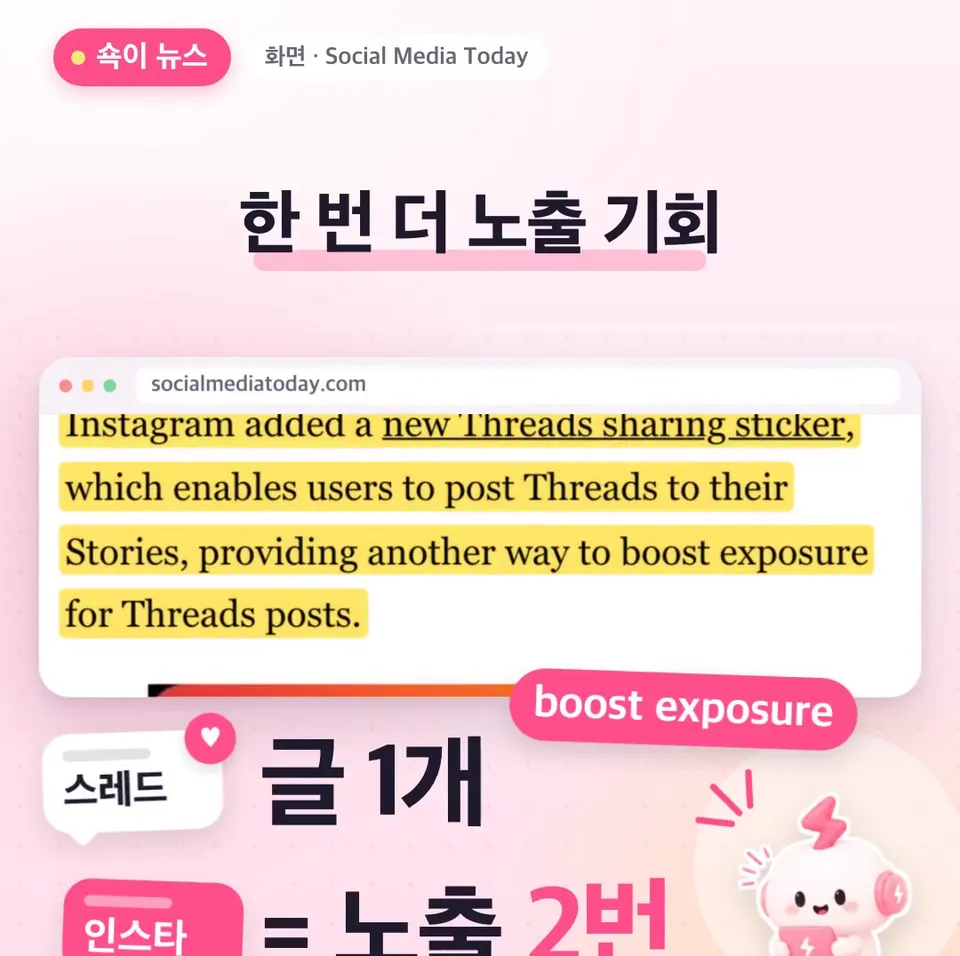
Because you can show a Threads post that performed well to your Instagram followers one more time. One post gets two chances to reach people.
If you run both apps, you can test the response on Threads first, then pick the posts that did well and bring them over to Stories. You can share the same message with your Instagram followers without writing a new post.
Wasn't Meta separating the two apps?
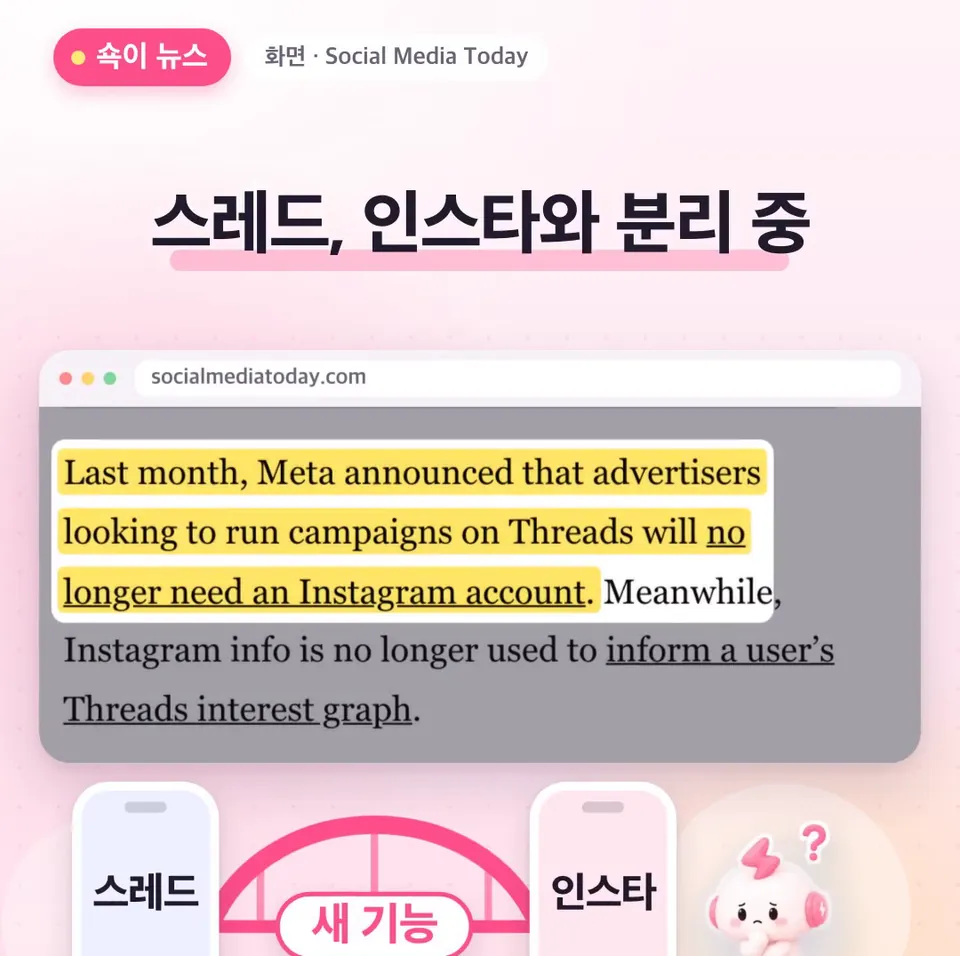
It was, which is why this feature stands out as going against the trend. Last month, Meta stopped requiring an Instagram account to run Threads ads, among other moves to separate the two apps.
This time, though, it released a feature that connects them. For people who use both apps, it's one more way to promote posts back and forth between them.
When will it be available for accounts in Korea?
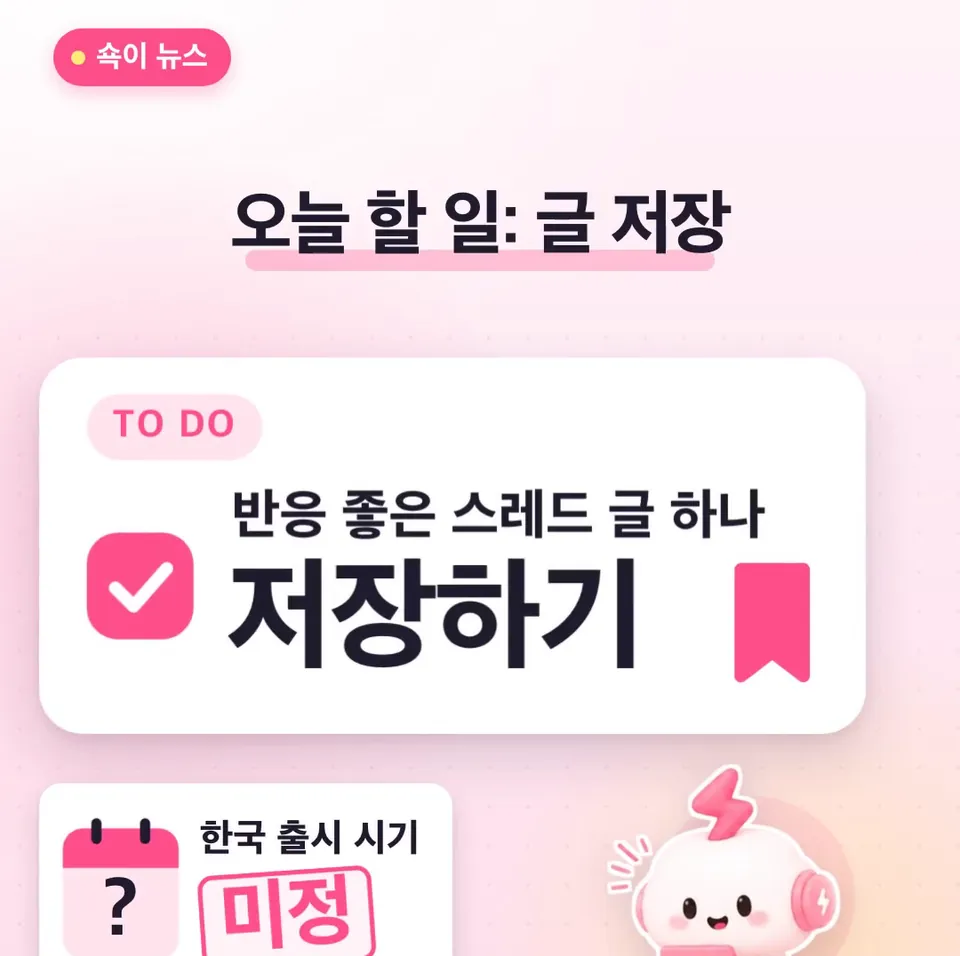
It hasn't been announced when it will appear for accounts in Korea. You'll have to wait until the sticker shows up in your app.
What you can do now is save one Threads post that performed well. Saved posts appear in the sticker's list, so you can use it right away the day the sticker shows up.
Key takeaways
- With the Threads sharing sticker in Instagram Stories, you can share Threads posts you've liked or saved, as well as posts you wrote.
- Threads posts of yours that performed well are good candidates to show your Instagram followers one more time.
- It hasn't been announced when it will appear for accounts in Korea, so check whether the sticker has shown up in your app.
- Save a Threads post that performed well ahead of time so you can use it the day the sticker appears.
Frequently asked questions
- Which Threads posts can I share to my Instagram Story?
- Tap the sticker and a list of Threads posts you've liked or saved appears. Every post you wrote yourself is in the list too.
- Can I use the Threads sharing sticker in Korea?
- It hasn't been announced when it will appear for accounts in Korea. If you save a Threads post that performed well ahead of time, you can use it the day the sticker appears.
- Do I need an Instagram account to run Threads ads?
- No. Last month, Meta changed its rules so you no longer need an Instagram account to run Threads ads.