- Shocki News
- Carousel
- Creator marketing
Carousel editing in Instagram's Edits app, and why the second slide matters
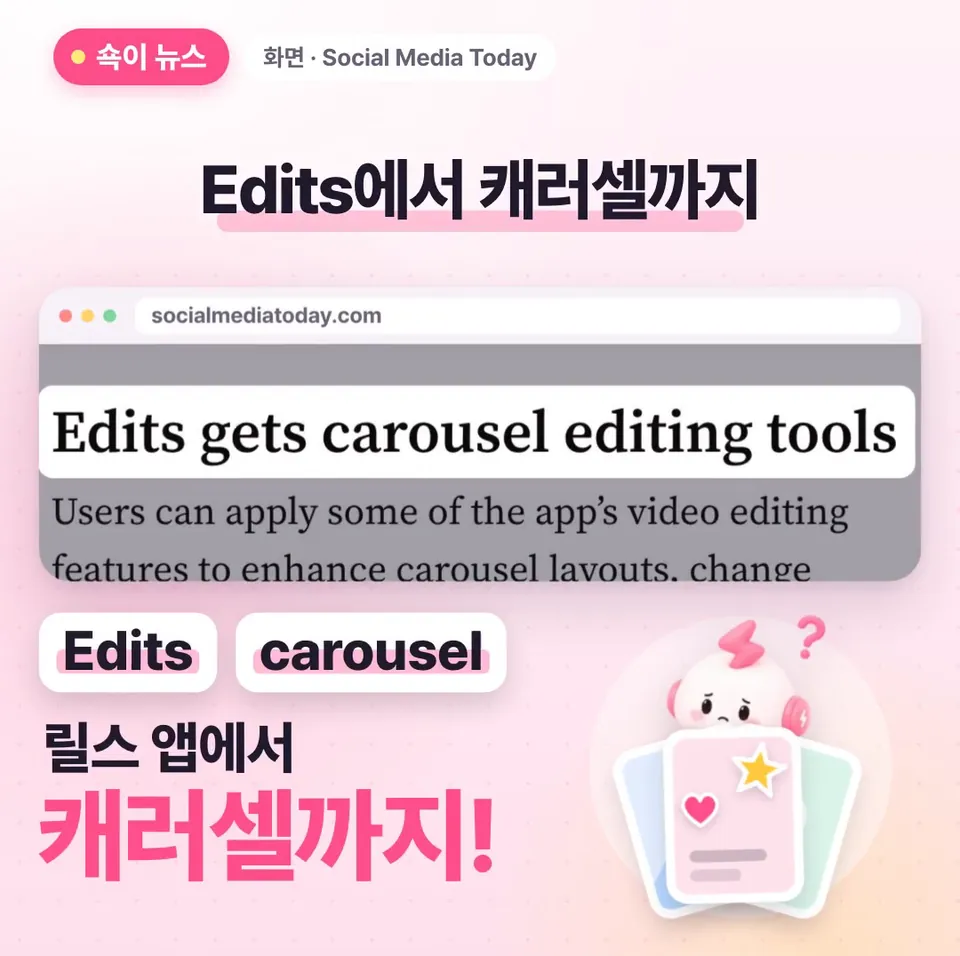
You can now build and design carousels in Edits, Instagram's video editing app. Here's a rundown of the editing tools in the new feature, which is rolling out on iPhone first, and why the second slide of a carousel deserves as much care as the first.
Dongle Media Lab6 min read
Adapted from ShortShock's “Shocki News” short-form video. Watch it on ShortShock's Instagram (@shortshock.offical).
Key takeaways
Edits, Instagram's video editing app, now lets you build and design carousels with photos and videos, starting on iPhone. Instagram says it shows carousels again, starting from the second slide, to followers who come back to the app, so brand managers and creators should put real effort into the second slide too.
You can now make carousels in Edits. A carousel is an Instagram post you swipe through slide by slide, and Edits is Instagram's video editing app for making Reels (Instagram's short videos). You can now add photos and videos to the app and design a carousel with them. This post covers what's changed and why the second slide deserves your attention too.
Where can you use carousel editing in Edits first?
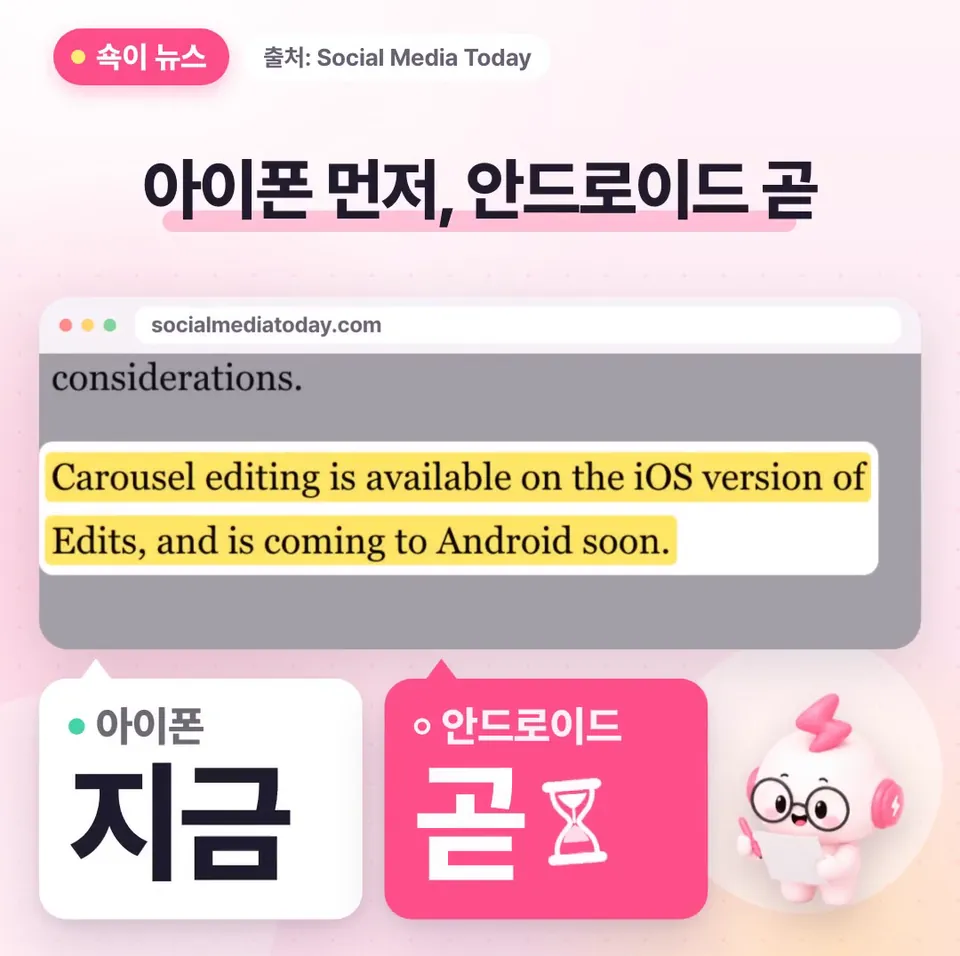
Carousel editing in Edits launched on iPhone first. According to Social Media Today, it's coming to Android soon.
What's new is that the app you used for Reels can now make carousels too. Add photos and videos, then design them with Edits' editing tools. You can now make both Reels and carousels in a single app, Edits.
What tools can you use to design carousels in Edits?
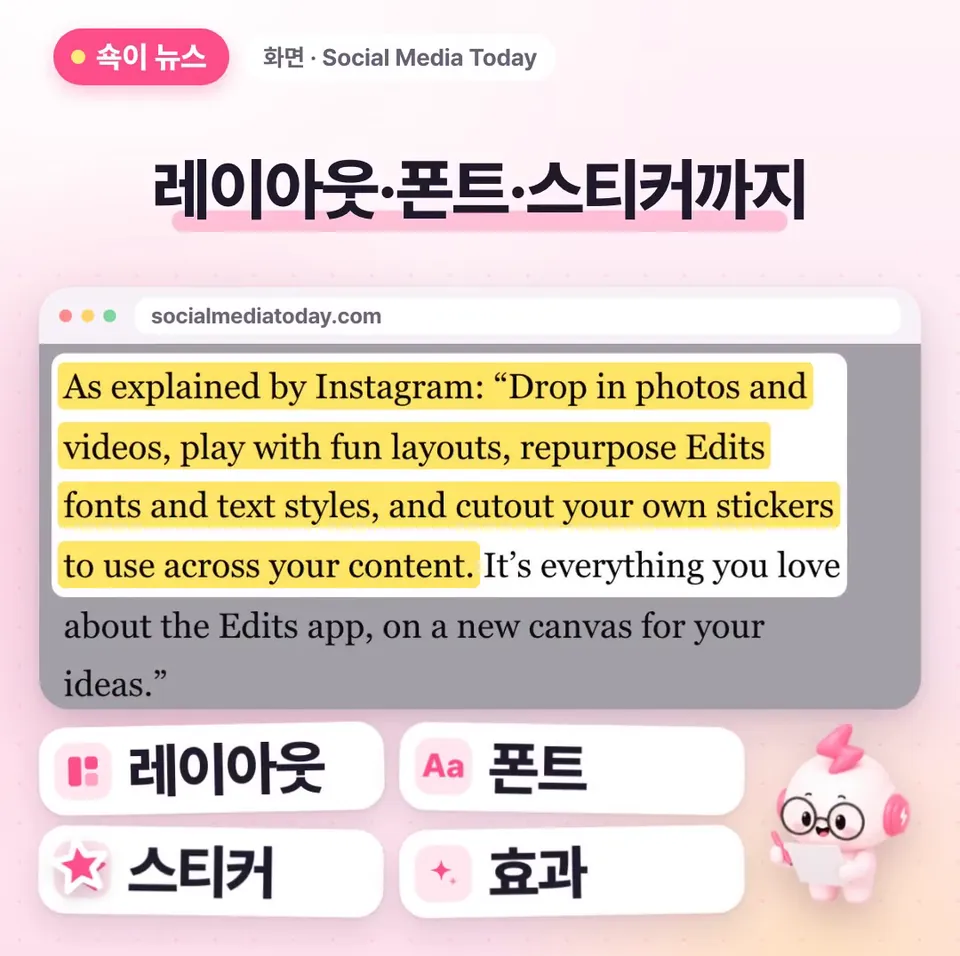
In Edits carousels, you can choose a layout. You can use Edits fonts and text styles as is, and add your own cutout stickers, overlays, and effects. A layout is the frame that arranges photos and videos on the screen. An overlay is an element layered on top of a photo or video.
Social Media Today summed it up as letting users apply some of Edits' video editing features to carousels. With them, you can refine the layout, change fonts, and add overlays. In other words, the fonts and text styles you used for Reels carry straight over to your carousels.
Why do more slides help a carousel?
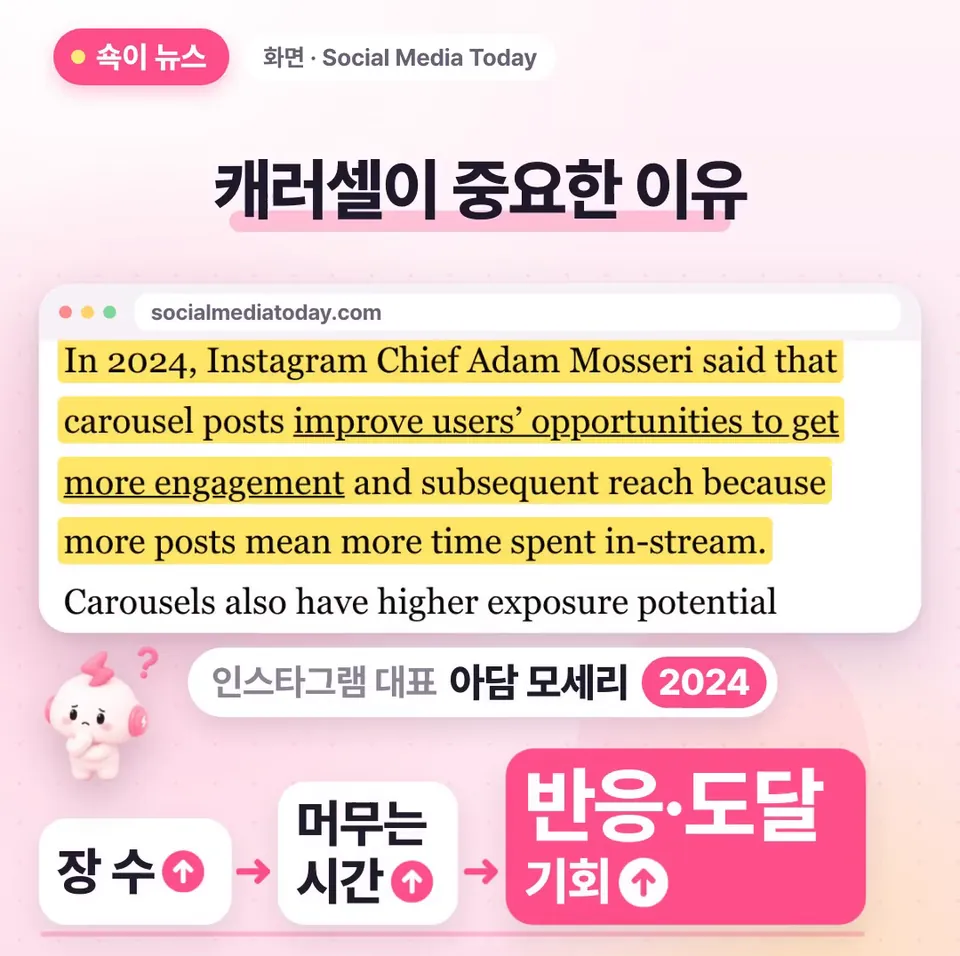
Instagram head Adam Mosseri said this in 2024: the more slides a carousel has, the longer people stay in the feed, which gives it more chances for engagement and reach.
The feed is the screen in Instagram where posts appear one after another. Reach is the range of people a post gets to. While people swipe through several slides, they spend more time on that post. The idea is that this gives the post more chances to get engagement and be seen by more people. That's why it's worth paying attention to the fact that you can now design carousels in Edits.
Why does the second slide of a carousel matter?

Instagram says it shows carousels again, starting from the second slide, to followers who come back to the app. In that case, the second slide is the first thing those followers see.
So if you put all your effort into the first slide and rush the second, you're wasting a chance. It's a good idea to put an eye-catching line on the second slide too. It's easier to plan if you treat the first slide as the one people see first in the feed and the second as the one returning followers see again.
What should you try first?

If you're on iPhone, start by updating the Edits app. If you see the carousel menu, try making a carousel with the font you usually use for Reels.
When you make it, put an eye-catching line on the second slide too. Android support is said to be coming soon, so in the meantime you could decide ahead of time what lines go on your first and second slides.
Key takeaways
- Carousel editing in Edits launched on iPhone first, and Android is coming soon.
- The Edits fonts and text styles you used for Reels work in carousels too, and you can add your own cutout stickers, overlays, and effects.
- Instagram shows carousels again, starting from the second slide, to followers who come back, so put an eye-catching line on the second slide too.
- In 2024, Adam Mosseri said that the more slides a carousel has, the longer people stay in the feed, which means more chances for engagement and reach.
Frequently asked questions
- Can I use carousel editing in Edits on Android?
- Carousel editing launched on iPhone first. According to Social Media Today, it's coming to Android soon.
- What can I edit when I make a carousel in Edits?
- You can add photos and videos and choose a layout. You can use Edits fonts and text styles, and add your own cutout stickers, overlays, and effects.
- Isn't it enough to make the first slide of a carousel great?
- Instagram says it shows carousels again, starting from the second slide, to followers who come back to the app. That's why it's a good idea to put an eye-catching line on the second slide too.